Get Your PS5 Ready for GTA VI: Storage Upgrade Guide
GTA VI launches November 19, 2026, and press reports put the install size at roughly 200GB — with preload reportedly starting November 12. Your PS5's storage is the first thing to sort. Here's how to make room and what to know about upgrades.
Quick answer
Press reports put GTA VI's PS5 install at roughly 200GB — Rockstar has not officially confirmed the size, so treat that figure as reported, not final. A standard PS5's usable storage fills fast with a game that large, so the move is simple: check your free space now, clear what you don't play, and only buy an SSD if the numbers say you need one. Use the MusidGaming PS5 Storage Calculator to estimate how many of your current games fit alongside a 200GB install.
Step 1: check your free space today
On your PS5, go to Settings → Storage to see exactly how much space is available. GTA VI's reported ~200GB install plus a day-one patch means you want comfortably more than 200GB free — downloads and installs need working room beyond the game's own footprint. If you're under that, move to step 2 before spending anything.
Step 2: clear space before you buy anything
- Delete games you finished. Your saves stay in the cloud (with PS Plus) or on the console separately — deleting a game does not delete its save data by default.
- Move PS4 games to USB extended storage. PS4 titles can run from an external USB drive, freeing the internal SSD for PS5 games. PS5 games cannot run from USB, but you can archive them there and copy them back later instead of re-downloading.
- Clear the capture gallery. 4K clips and screenshots add up quietly — delete or offload old captures.
- Check for duplicate installs. Some games keep both PS4 and PS5 versions installed; remove the one you don't play.
If clearing space gets you comfortably past the 200GB mark with room to spare, you're done — no purchase needed.
Step 3: 1TB vs 2TB — which SSD if you need one
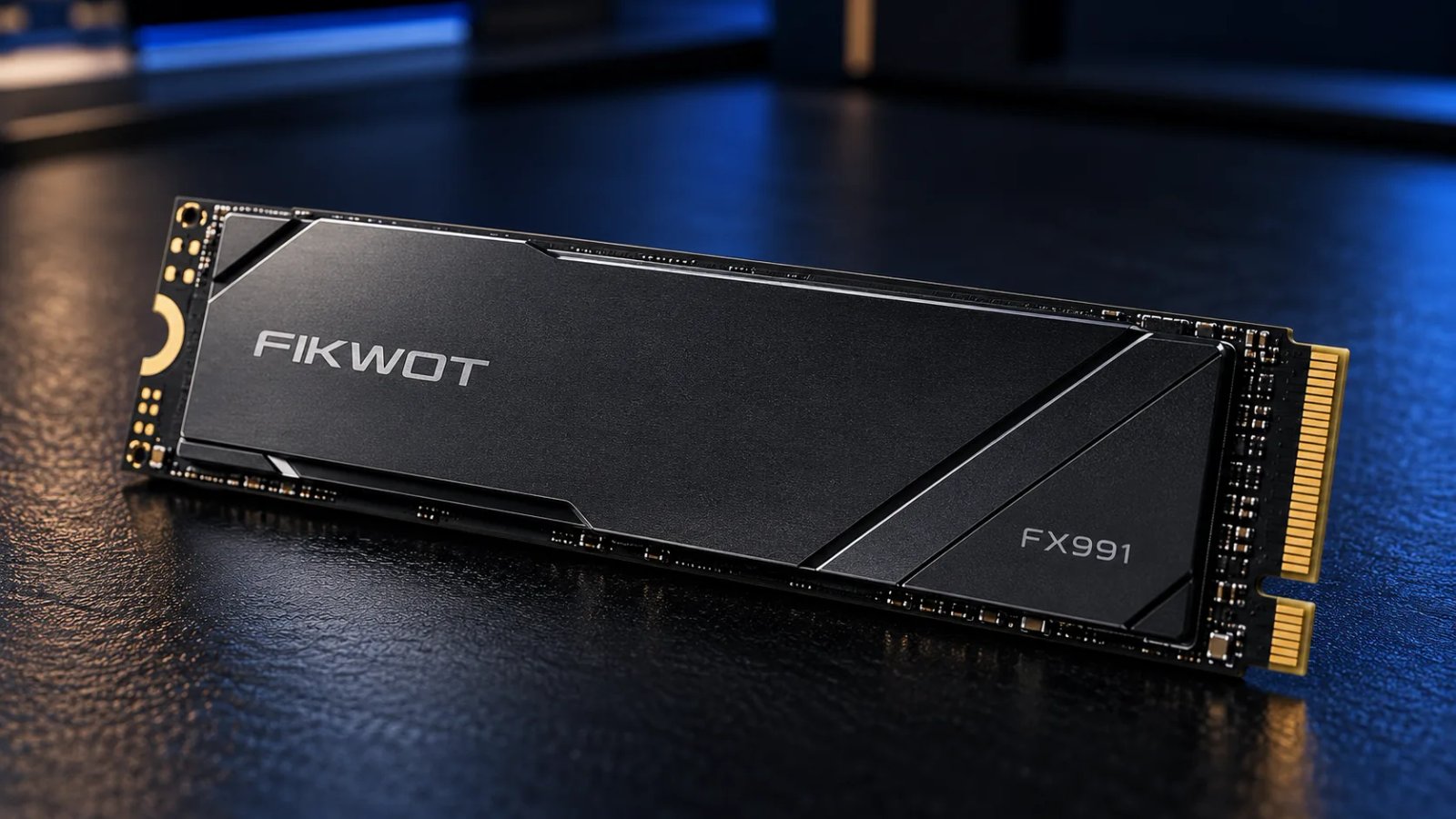
If your library is large and clearing space isn't enough, an additional M.2 SSD is the fix. The PS5 accepts M.2 NVMe SSDs that meet Sony's published requirements (PCIe Gen 4, with a heatsink — check Sony's current specifications before buying, as requirements can be updated).
- 1TB: sensible if GTA VI is the main space pressure and your library is modest. Roughly five 200GB-sized games per terabyte, minus system overhead.
- 2TB: the better buy if you keep a large library installed and hate re-downloading. Cost per gigabyte is usually lower at 2TB, and you won't revisit this question for a long time.
Do not buy based on a marketplace title alone — verify the drive's dimensions, interface, capacity, sequential read speed and heatsink against Sony's current PS5 requirements first.
M.2 install basics
Installing a PS5 SSD is a short job: power the console fully off, remove the side panel, open the expansion slot cover, seat the drive, fasten the screw and spacer, then replace everything and format the drive when the PS5 prompts you on boot. If you've never opened the console, Sony's official support pages walk through the exact steps for your PS5 model — original, Slim and Pro panels differ slightly, so follow the guide for your revision.
Preload timing
Preload for GTA VI is reportedly starting November 12 — about a week before the November 19 launch. If you pre-ordered digitally, having your storage sorted before the 12th means the download can run untouched in rest mode and the game is ready at launch. Don't leave the storage check for launch week.
FAQ
How big is the GTA VI install on PS5?
Press reports put it at roughly 200GB, but Rockstar has not officially confirmed the size. Treat 200GB as a planning figure and keep extra free space beyond it.
Can I run GTA VI from an external USB drive?
No — PS5 games must run from the internal SSD or an installed M.2 expansion SSD. USB extended storage works for PS4 games and for archiving PS5 games you aren't currently playing.
Do I need a heatsink on a PS5 SSD?
Sony's requirements call for effective heat dissipation — most PS5-ready drives ship with a heatsink fitted or offer a heatsink version. Check Sony's current specifications before buying.
Will deleting games delete my saves?
Not by default. Save data is stored separately from game installs, and PS Plus members get cloud backup. Double-check your saves are backed up before any big clear-out.